Send files from this device to that one.
Move a file, a folder, or a whole batch across Android, iOS, macOS, Windows, and Linux. No account. No hosted copy. Approval by default.
Choose your downloadSee the handoff
Open source · Apache 2.0 · Early development
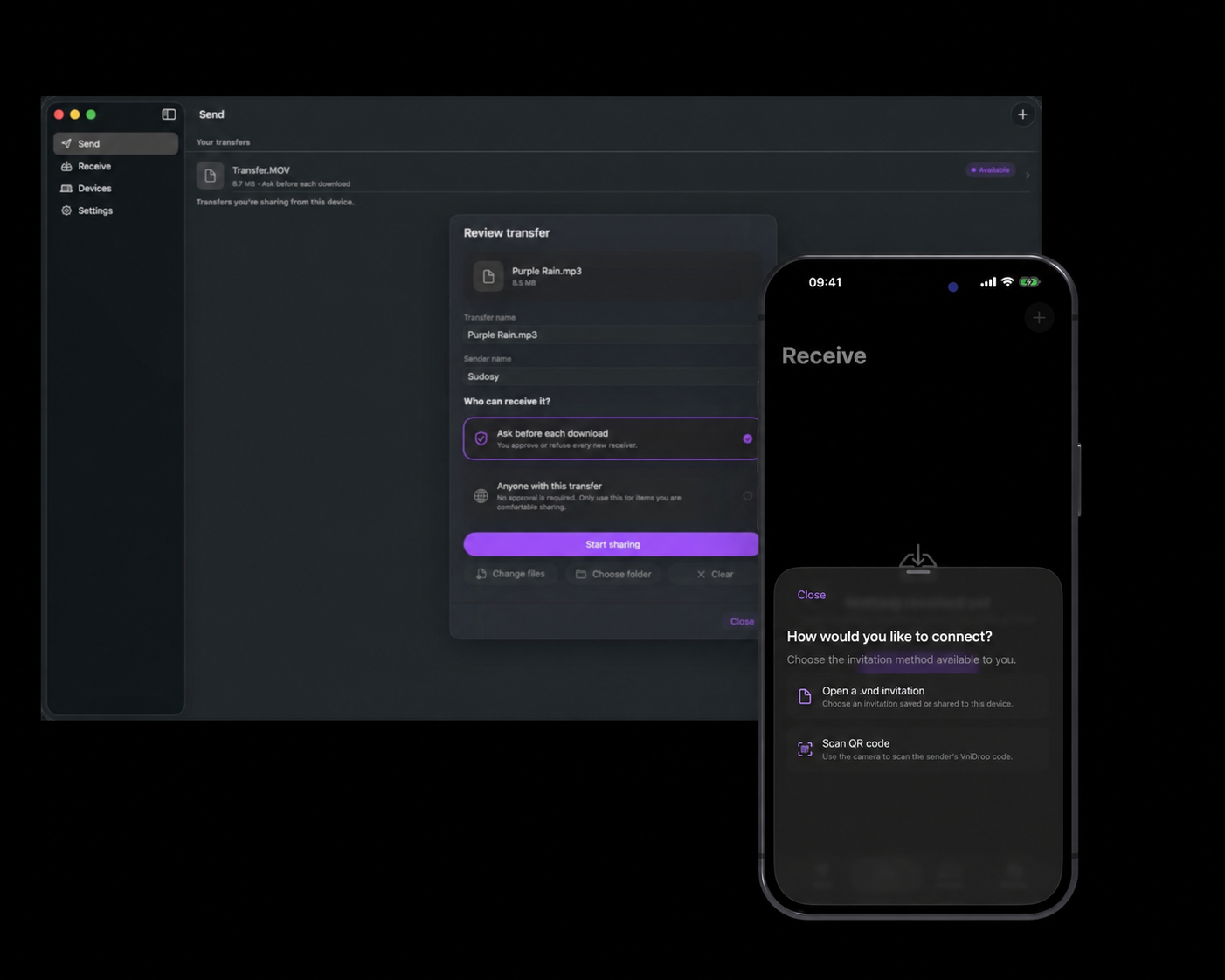
Built for a handoff, not a cloud.
Every platform in the room
Android, iOS, macOS, Windows, and Linux can meet without joining the same ecosystem.
No hosted copy
Files move over an authenticated, encrypted connection. A relay can route bytes but never stores the transfer.
Approval by default
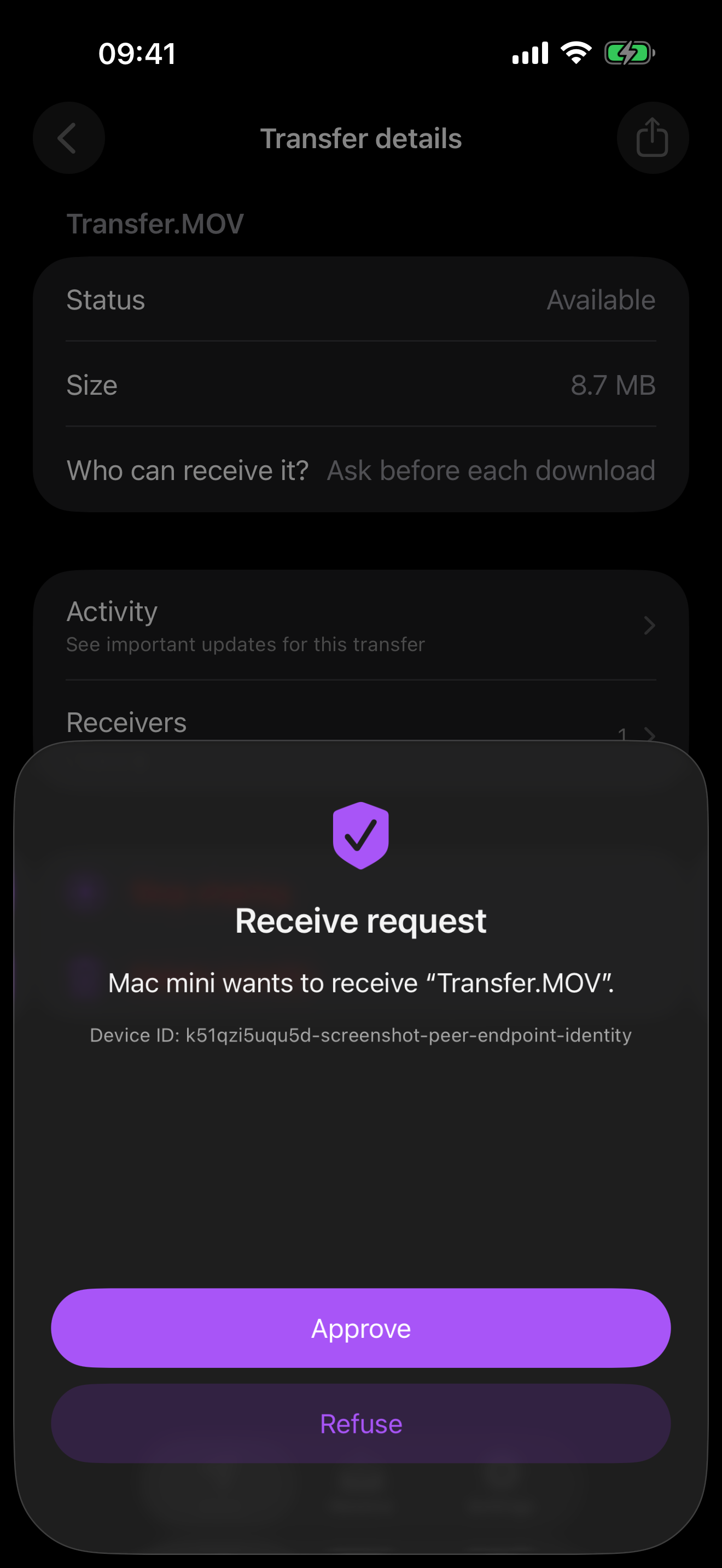
Senders approve invitation downloads by default. Recipients accept offers sent to saved devices. You can cancel a transfer or stop sharing.
How a transfer works
An invitation introduces devices that have never met. A Saved device is one you both chose to remember after a transfer.
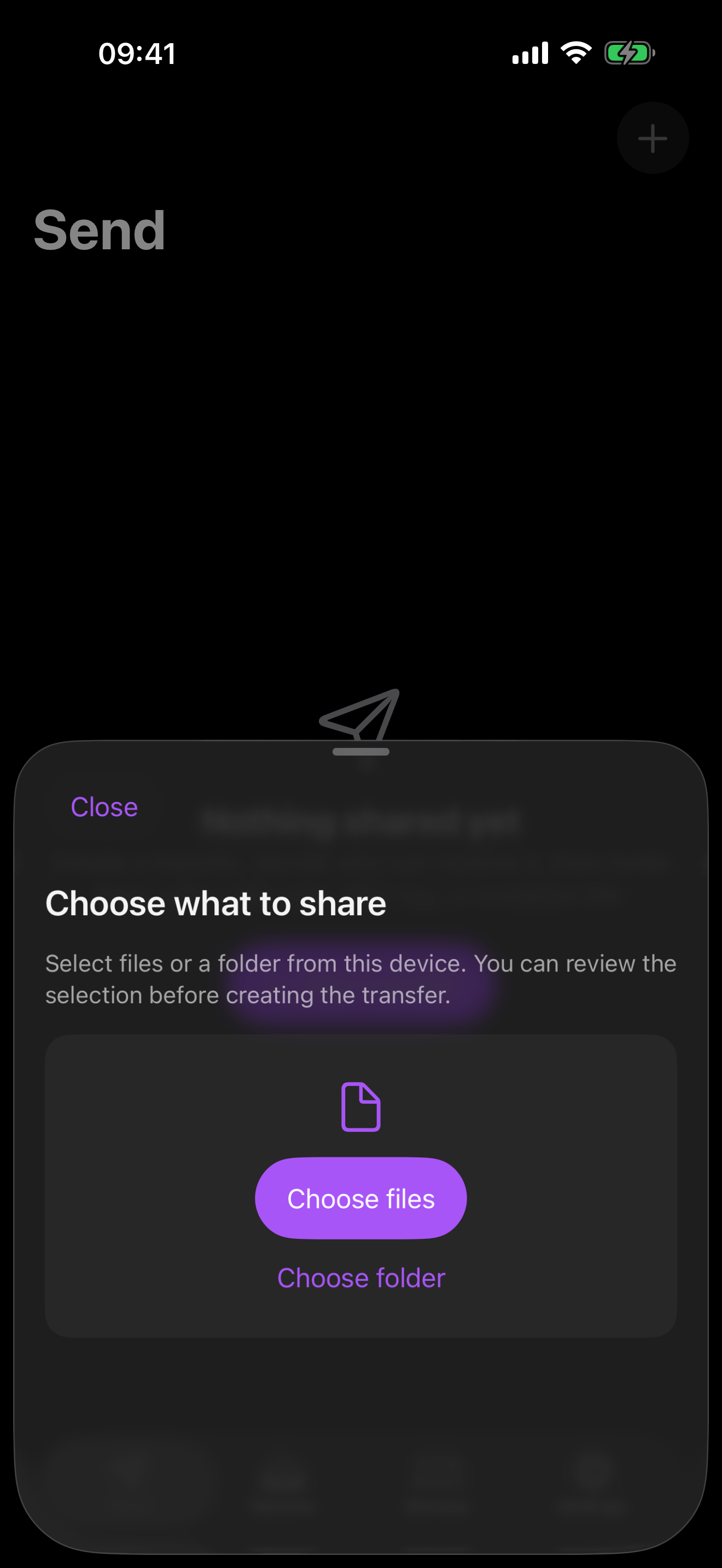
Choose what to send
Files, a batch, or a folder. The original folder structure stays intact.
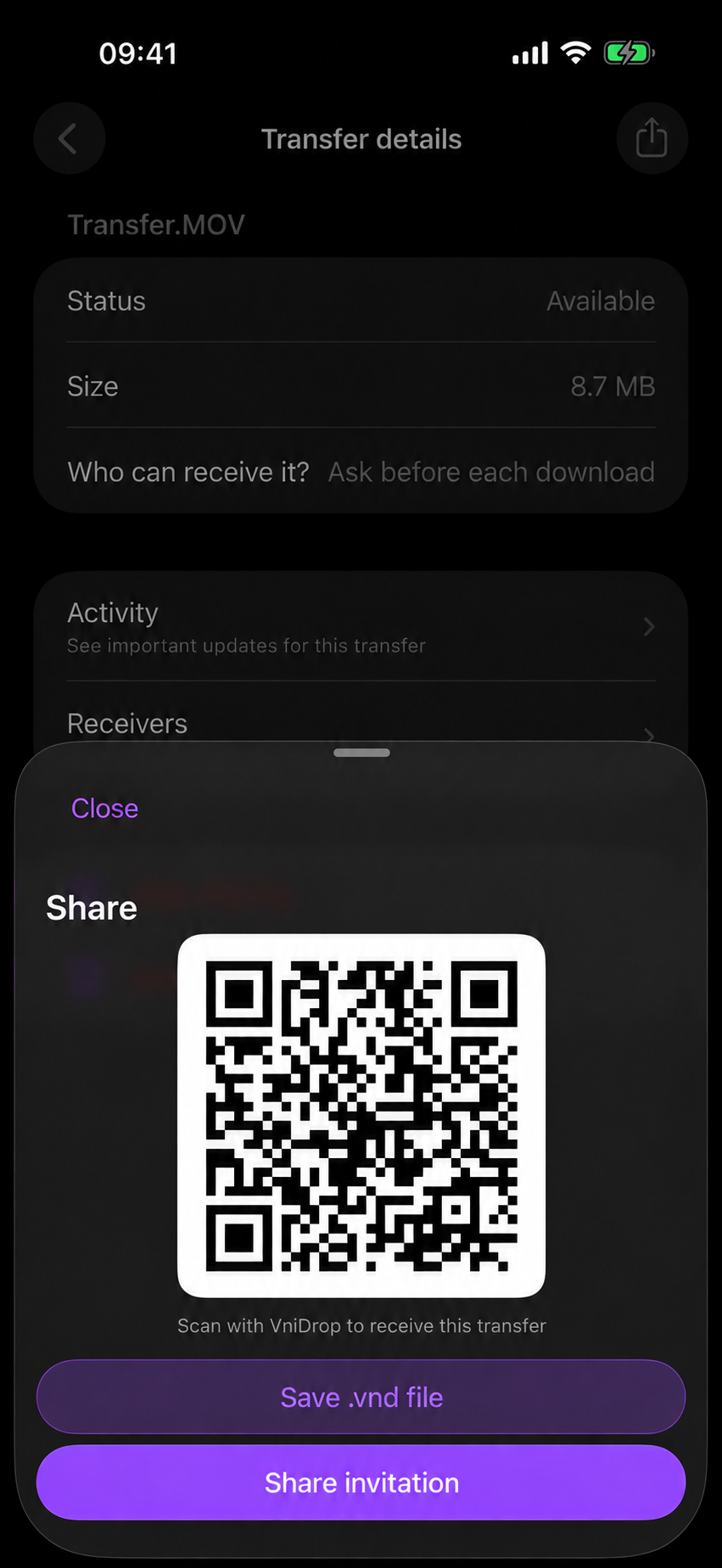
Introduce the devices
Share a .vnd invitation, or use QR where supported. The other device opens it in VniDrop.
They still decide
An invitation asks you to approve each receiver. A Saved device still has to accept. Nothing auto-receives.
Questions
- Do I need an account?
- No. There is no signup and no login. Devices meet with an invitation, or you send to a Saved device.
- Does a copy sit on a server?
- No. Bytes stream between the two devices. If they cannot reach each other directly, a relay forwards the connection. It does not keep the files.
- What is a Saved device?
- After a transfer, both sides can choose to remember the other. Later you can send to that device without a new invitation. They still confirm every time.
- Which platforms?
- Android, iOS, macOS, Windows, and Linux. iPhone, iPad, and Mac are on the App Store. Windows has Store and direct downloads. macOS, Linux, and Android also have GitHub downloads.
- Can I try changes before a store release?
- Yes, when a preview is published. Previews use Release builds for macOS, Windows, Linux, and Android and skip store submission. Choose the preview section on the download page for early testing.
- Can I choose which relays to use?
- Yes. Network settings offer automatic connections, custom HTTPS relays, or direct-only connections. The guide explains each mode and how to apply changes safely.
Make the next handoff.
App Store for iPhone, iPad, and Mac. Direct downloads for macOS, Windows, Linux, and Android, plus a preview channel for early testing.